Gallery apk

Screen Shoots
[Important]
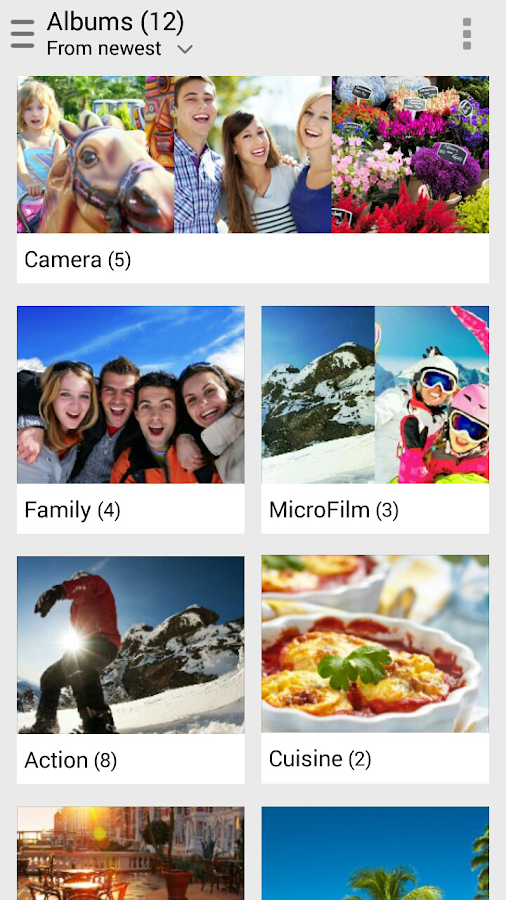
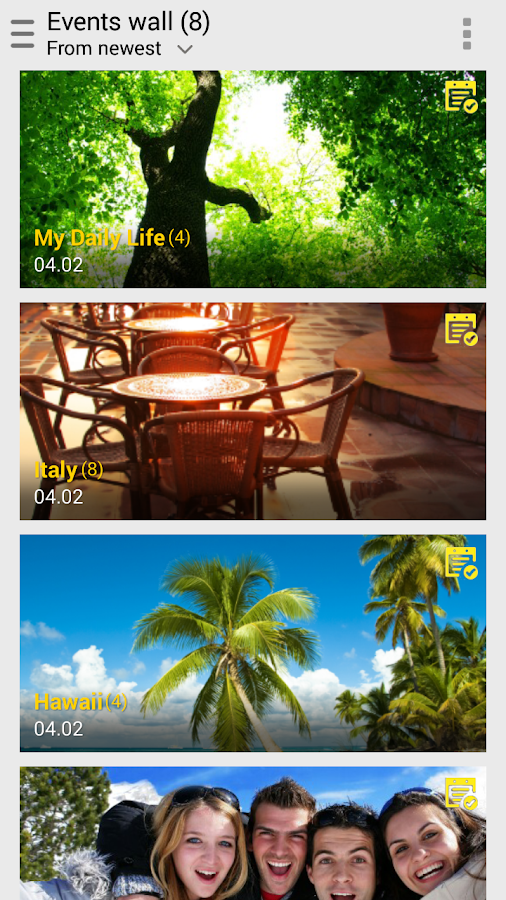
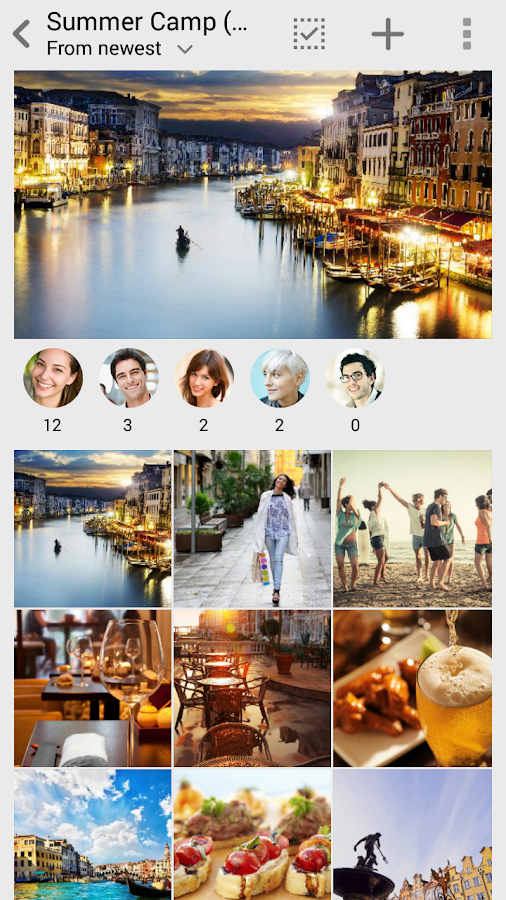
ASUS Gallery is a great app that helps you manage your photos and videos. ASUS Gallery lets you browse through photos and videos in your mobile device, social network accounts, and even those stored in the cloud. ASUS Gallery lets you get creative with photos and videos. Now, ASUS Gallery also interacts with ASUS MiniMovie which lets you use your photos to easily create fun and stunning movies. ASUS Gallery also has a Collage feature that lets you create great photo collages easily (will interact with ASUS PhotoCollage soon on some ASUS mobile devices).
[What if I forgot the password to unlock Gallery]
* If the title in the upper-left corner on Gallery is "AppLock", please go to Google Play and uninstall "ASUS Launcher". You can reset your password and enjoy the "Lock Gallery" feature after upgrading "ASUS Launcher". Dont forget to set a Google account to retrieve your password if forgetting it again.
* If the title in the upper-left corner on Gallery is "CM Applock for ASUS", please click the upper-right button and choose "Forgot password?". After entering the password of your Google account, you can reset your password to lock Gallery again.
ASUS Gallery is a great app that helps you manage your photos and videos. ASUS Gallery lets you browse through photos and videos in your mobile device, social network accounts, and even those stored in the cloud. ASUS Gallery lets you get creative with photos and videos. Now, ASUS Gallery also interacts with ASUS MiniMovie which lets you use your photos to easily create fun and stunning movies. ASUS Gallery also has a Collage feature that lets you create great photo collages easily (will interact with ASUS PhotoCollage soon on some ASUS mobile devices).
ASUS Gallery lets you get creative with photos and videos.
ASUS Gallery also has a Social Gallery function that lets you view photos shared by family and friends. You can view all these photos in Omlet Chat, and you can even see who liked your shared photos, as well as those shared by family and friends through the Social Gallery.
[Key features]
Photo editing: In addition to letting you view photos and videos, ASUS Gallery also provides basic photo retouching effects and filters, editing functions, as well as beautification effects.
Photo Collage: Create photo collages easily by selecting the photos you want to use.
Auto MiniMovie :MiniMovie lets you create fun and stylish video clips in just three easy steps.
Step 1: Select an album or photos.
Step 2: Tap Auto MiniMovie� in Settings or �MiniMovie�.
Step 3: Apply a pro-designed theme in MiniMovie and make your video to share on social networking platforms like Facebook, Google+, Omlet Chat and even YouTube.
Social Gallery: ASUS Gallery�s Social Gallery feature lets you view family and friends� shared photos on Omlet Chat.
ASUS Gallery integrates with ASUS ZenUI services to give you quick, easy access to photos and videos that are stored in social networks like Facebook, Flickr, and Google+, as well as cloud storage services like ASUS WebStorage, Dropbox, Microsoft OneDrive, and Google Drive.
[Note]
1. Gallery v1.5 now supports Android� 5.0 and is backward compatible with Android� 4.4 or earlier versions. To enable this, Gallery needs to reset the database used for People mode so previously tagged faces will be reset as "Unknown."
2. Since Gallery v1.5, your album cover will also be reset when you upgrade from Android� 4.4 to Android� 5.0.
3. User interface and functions may vary by device.
4. ASUS Gallery is a free app for ASUS devices. You will not be charged for downloading or using this app.
[Contact us]
For more information about ASUS ZenUI, please visit http://www.asus.com/ASUS_ZenUI/
Email: zenui@asus.com
WHATS NEW
? ? ? ? ? ? ?
Light up the stars if you like the update!!
v1.7.0.21_160205
- Support "Smart brightness" on/off in Gallery settings. You may choose to turn it on when you need to view the photos or videos with brighter display in Gallery. (This display setting will only affect when Gallery is working in the foreground and viewing photo or videos.

download file now
Comments
Post a Comment